.png)
Most people who struggle with Carrd don't struggle because the platform is difficult. They struggle because they picked it up through scattered tutorials, trial and error in the editor, and templates that fell apart the moment they tried to customize them.
The missing piece in learning Carrd is a structured way of thinking about layout, spacing, and how sections relate to each other before anything gets added to the canvas.
That's the gap The Carrd Course was built to close.
What the course actually teaches
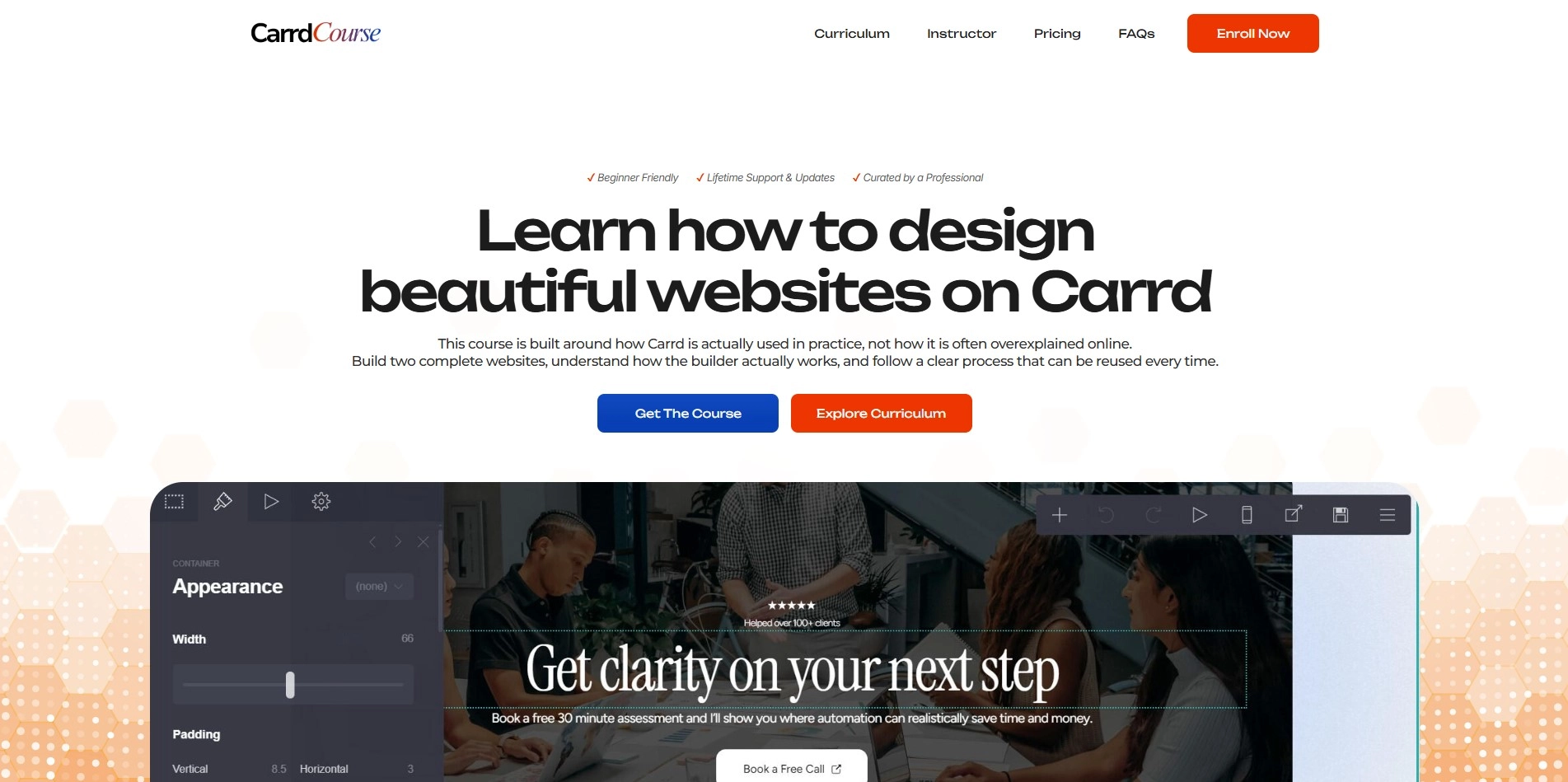
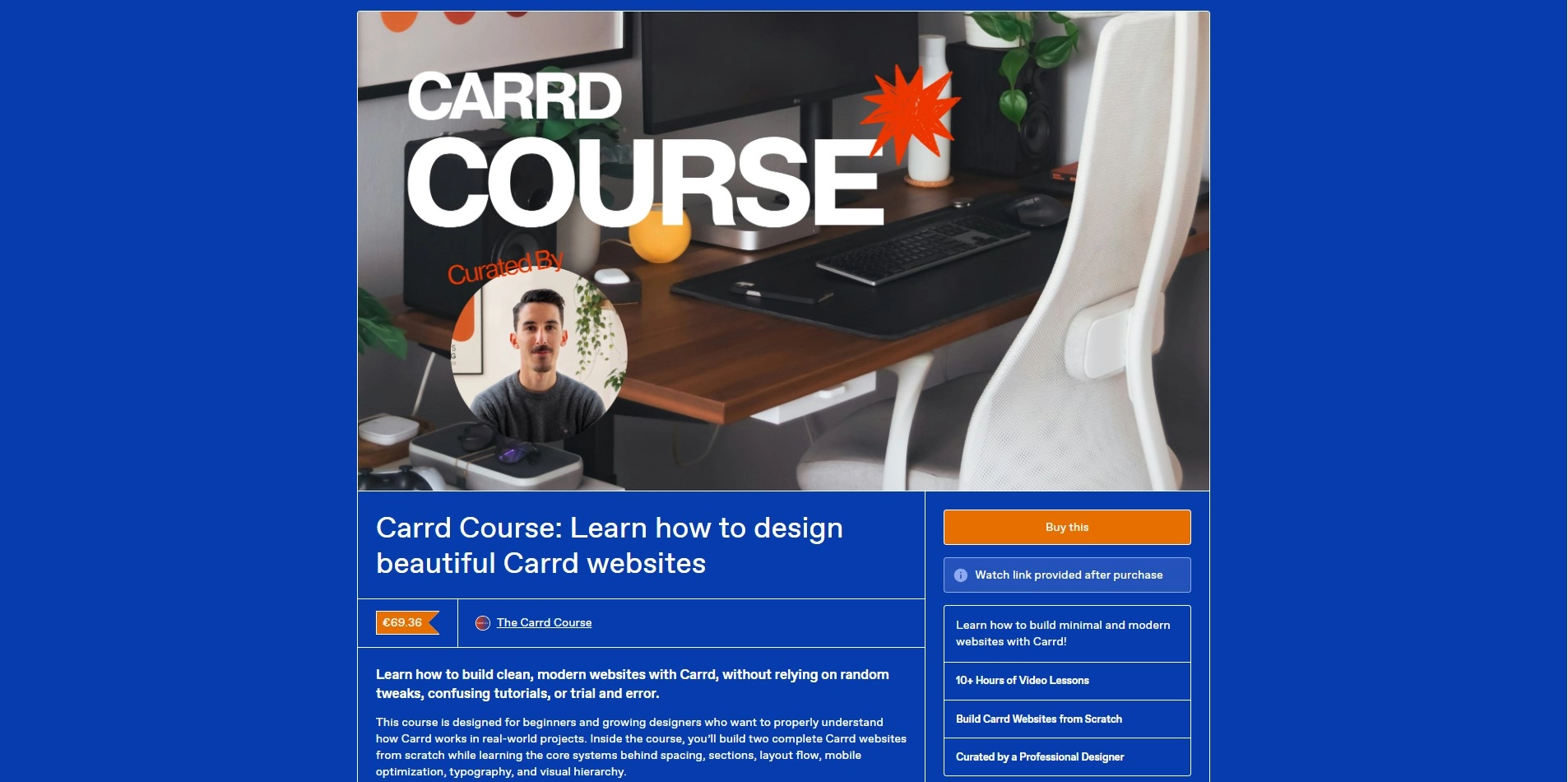
The course was created by Kostas, a professional Carrd designer who delivered over 40 custom Carrd websites in 2025 alone. The premise is straightforward: most tutorials teach you features. This one teaches you how to think about layout, structure, and design decisions before you start touching elements.
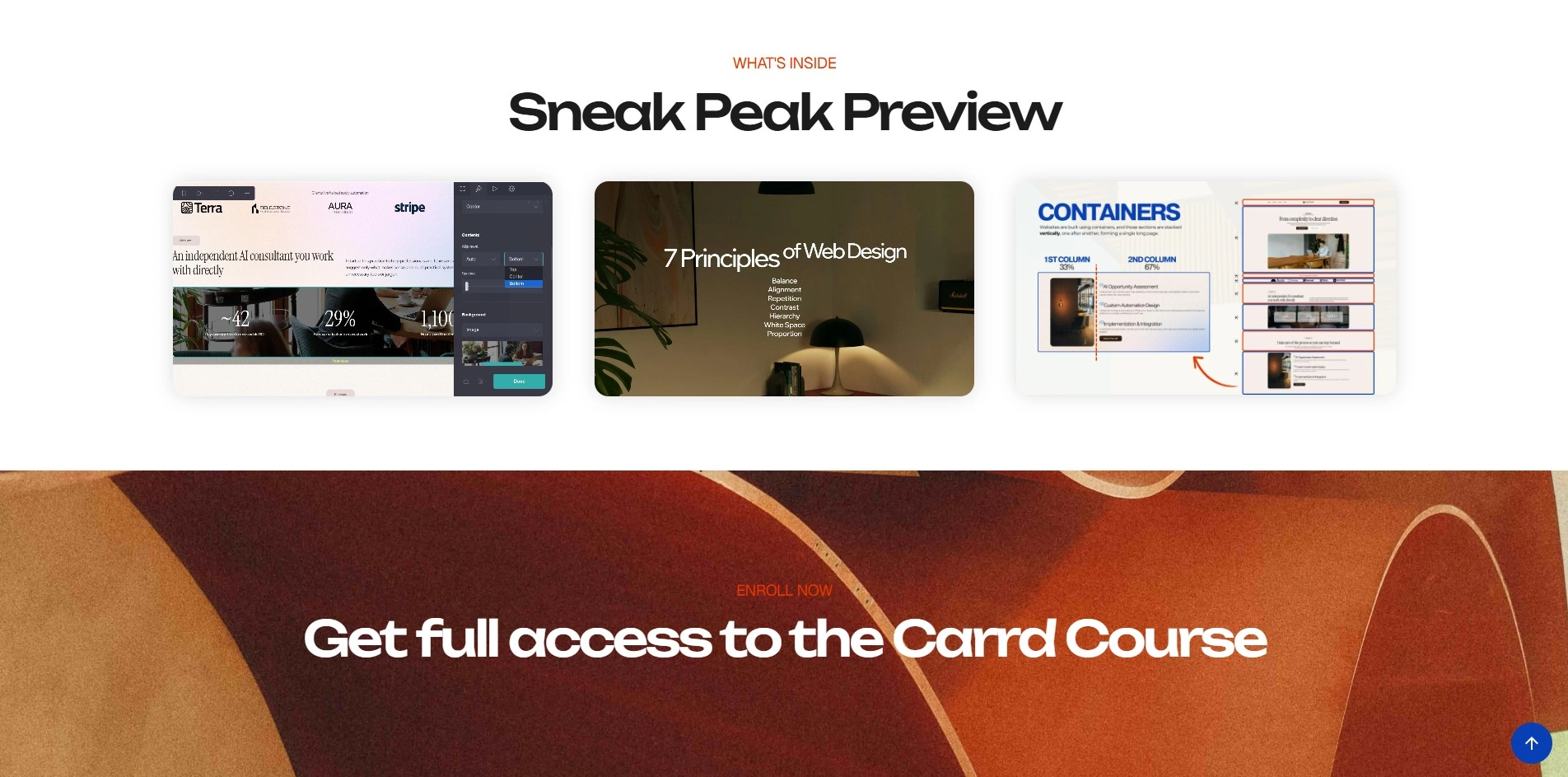
The curriculum runs across seven modules and close to ten hours of video. It covers everything from how the Carrd dashboard actually works to the web design principles that make a page feel considered rather than cobbled together. One module alone, the building blocks overview, runs almost three hours and walks through every major element type in real depth: containers, text, images, buttons, forms, sections, and the #control element that trips up a lot of intermediate users.
The live builds
The two centrepieces of the course are full guided builds. The first is a complete one-page website built from a blank canvas, covering the hero, services, about, FAQ, contact, and footer sections, including animations and a full mobile optimization pass. The second is a three-page Carrd site, which is where the multi-page structure covered earlier in the curriculum gets applied to a real project.
What makes it different from free tutorials
Free Carrd tutorials tend to fall into two categories: feature walkthroughs that show you what a setting does, and fast build-alongs where you copy a finished layout without understanding why it works. Neither builds a transferable skill.
This course stays on the reasoning behind decisions. Why this container structure. Why this spacing. Why the mobile layout breaks in a specific scenario and what to adjust so it doesn't. That depth is what makes the difference between finishing the course with a repeatable process versus finishing a tutorial and still feeling uncertain every time you open a blank canvas.
Who it's for:
The course is structured for complete beginners, but it's also designed to help people who already use Carrd and feel like their layouts are consistently "almost right" but not quite. That second group tends to get more out of the design principles and layout modules than they expect, because the issues they're running into usually aren't Carrd problems. They're structure and spacing problems that show up on any platform.
One thing worth knowing: the course doesn't treat Carrd as a beginner tool you eventually outgrow. It treats it as a professional platform with a specific way of working that, once understood, produces results that genuinely hold up. That framing changes how the material is presented throughout.
If learning Carrd properly has been sitting on your list, The Carrd Course is the most structured way to approach it. The focus on layout thinking rather than feature memorization is what actually moves the needle.
And if you want to see what a well-built Carrd website looks like before committing, browsing the templates at onepagetips.com/#templates gives you a solid visual reference for what's possible on the platform.