.png)
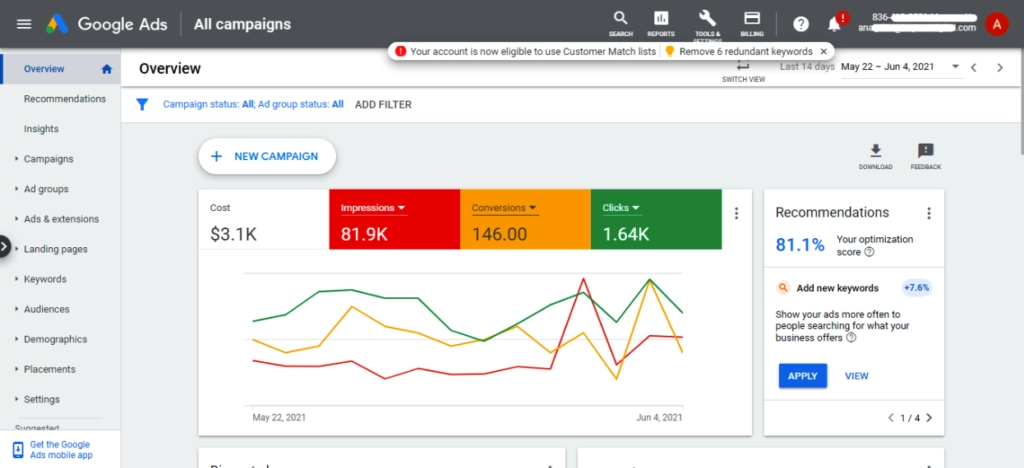
Carrd is actually a more capable Google Ads destination than most people assume. The hesitation usually comes from associating "simple website builder" with "not serious enough for paid traffic," but that instinct gets it backwards. For ad campaigns specifically, Carrd's simplicity is an asset, not a liability. Here's why, and here's the honest picture on tracking..
Why a Carrd page works well as a landing page for ads
Google Ads doesn't just care about your bid. It factors in what's called Quality Score, a rating that reflects your ad relevance, expected click-through rate, and landing page experience. A high Quality Score means you pay less per click for the same or better position. A low one means you're fighting uphill. Carrd pages tend to perform well on the landing page experience dimension for a few reasons that have nothing to do with the platform's simplicity being a drawback.
The first is page speed. Carrd sites are lightweight static pages with no bloated CMS, no plugin overhead, and no server-side rendering slowing things down. Fast load times are one of the clearest signals Google uses to evaluate landing page experience, and a Carrd page typically loads faster than a comparable WordPress site running a page builder and several plugins. On mobile, where the majority of ad traffic lands, that speed difference is particularly meaningful.
The second reason is focus. One of the core principles in running ads effectively is message match: the language and promise in your ad should be closely mirrored by what the user sees the moment they arrive on the page. A Carrd site, by its nature, is a focused, single-purpose page with one clear call to action. That structure aligns almost perfectly with what a well-built ad landing page should look like, which means less work to strip out distractions that would otherwise dilute your message.
Carrd also handles HTTPS automatically on paid plans, a basic requirement for any page you intend to run ads to. Google will not approve ads pointing to non-secure URLs. Custom domains, available from the Pro Lite plan upward, give your landing page the credibility that .carrd.co subdomains don't carry with paid traffic.
The tracking picture: what's possible
This is where the conversation gets more nuanced, and it's worth being specific about what you can and can't do.
Google Analytics 4 connects to a Carrd site cleanly. In Carrd's site settings, there's a dedicated field for your GA4 measurement ID, and once that's added, Analytics will track sessions, traffic sources, device types, and engagement data across your page. UTM parameters, which are the tags you append to your ad URLs to identify which campaign, ad group, or keyword sent the traffic, work exactly as they would on any other website. Google Analytics reads them automatically and attributes sessions correctly. This is the foundation of campaign tracking and it works without any workarounds.
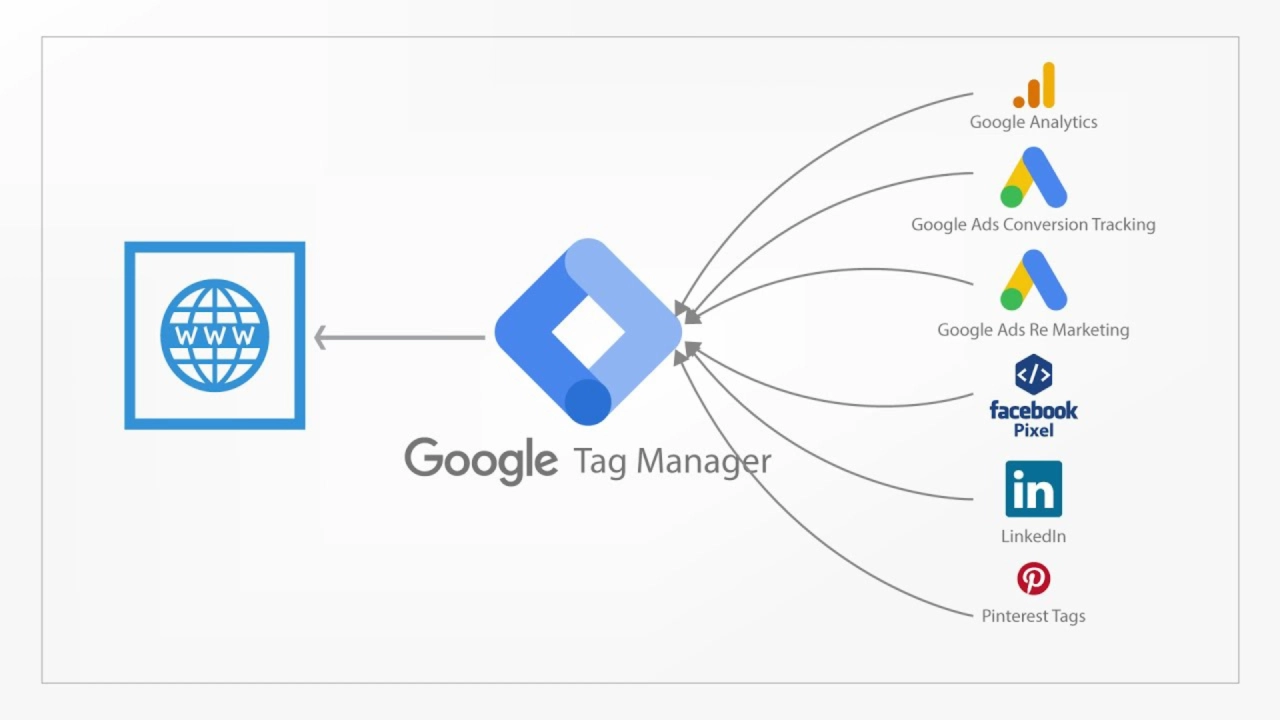
Google Tag Manager can also be embedded in a Carrd site on plans that allow custom code in the page header and body. You paste the GTM container snippets into the appropriate fields, and once GTM is running, you manage all your tracking tags from the GTM dashboard rather than touching Carrd's settings again. This includes the Google Ads conversion tag, click event triggers, and anything else you'd typically handle through a tag management setup.
The one area that needs some planning: conversion events
Where tracking on Carrd requires more deliberate setup is conversion tracking, specifically if your conversion is a form submission. Google Ads conversion tracking works best when a user lands on a distinct "thank you" URL after completing an action, because that page load is the cleanest trigger for firing a conversion event. Carrd's native form doesn't redirect users to a separate page after submission. It displays a confirmation message inline, which means there's no URL change to trigger a standard conversion pixel.
There are two practical ways around this. The first is to use a third-party form tool instead of Carrd's native form. Tally, for example, allows you to redirect users to a custom URL after submission, which means you can point that redirect to a simple thank-you page (even another Carrd page) and fire your conversion event on that page load. This is the cleanest solution and the one that gives you the most reliable conversion data.
The second option is to configure a click-based conversion event in Google Tag Manager, triggering the conversion tag when a user clicks the form submission button rather than when a thank-you page loads. This method is slightly less precise because it records the click rather than the completed submission, but for most small-scale campaigns it's accurate enough to make informed optimization decisions.
The practical reality
Running Google Ads to a Carrd website is not a workaround or a compromise. For a single focused offer, a service business, a product launch, or a lead generation campaign, a well-built Carrd page with GA4 connected, UTM parameters on all ad URLs, and a third-party form handling submissions is a genuinely capable setup. The constraints worth knowing about are real, but solvable with tools most serious advertisers are already using.
If you're looking for a strong starting point that's already built with a focused structure and clear hierarchy, our templates at onepagetips.com/#templates are worth a look before you start building for a campaign. A well-structured template adapted for your offer is a faster path to a high-quality landing page than starting from a blank canvas.