.png)
This is one of the most practical questions you can ask before committing to any website platform. You're not just building a page; you're building something that needs to function for your business. And if Carrd can't handle the basics of collecting leads, taking payments, or letting clients book time with you, it doesn't matter how good the design looks.
The short answer: Carrd can handle all three. But the how matters a lot, and there are real limits you should understand before you invest time setting things up.
Forms: Simple Works, Complex Doesn't
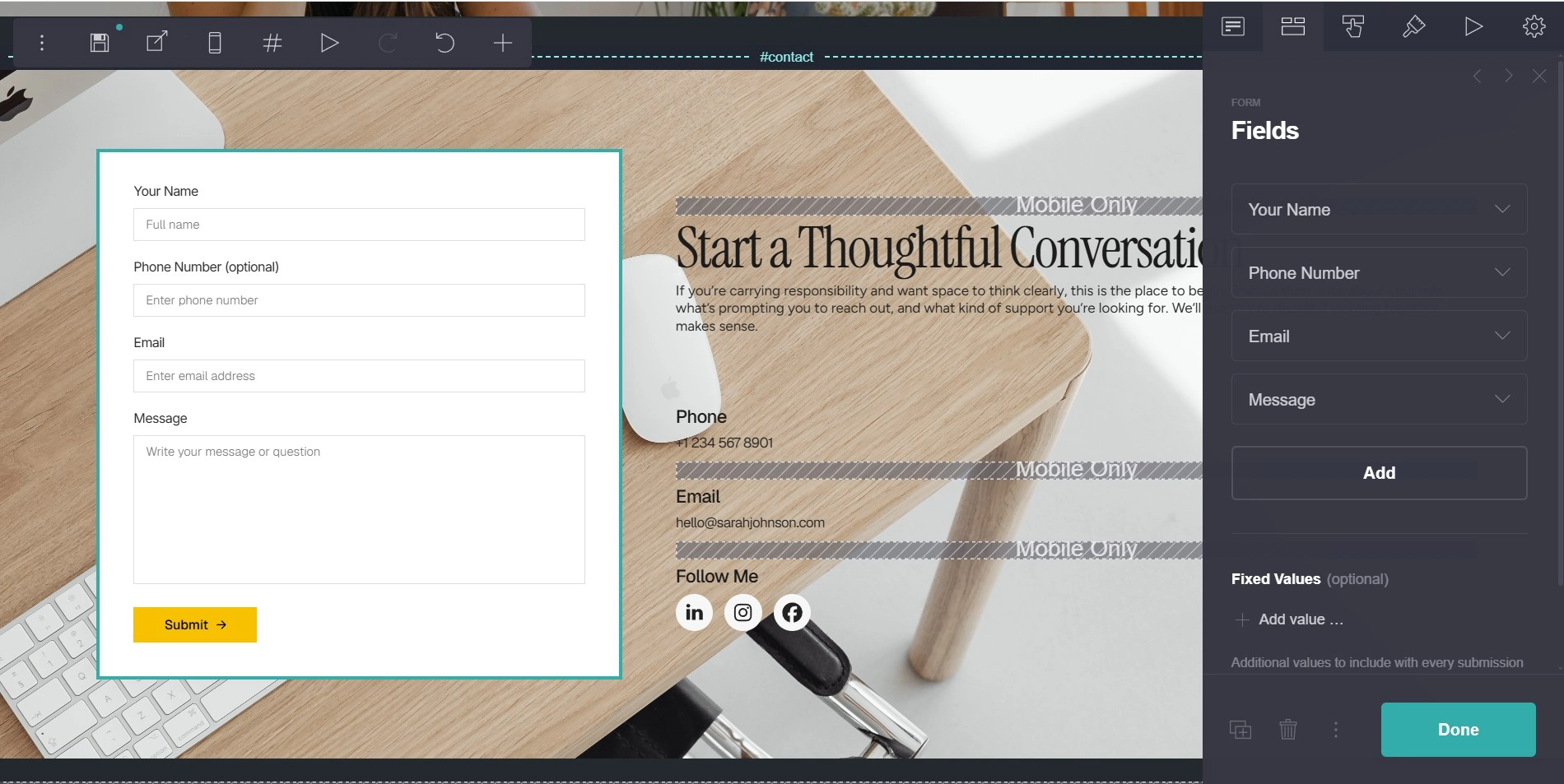
Carrd includes a native form element, and for the most common use case, it genuinely does the job. A contact form with name, email, and a message field, connected directly to your inbox, works out of the box without any third-party setup. For a solo consultant, a local service provider, or anyone whose goal is simply "let people reach me," the built-in form is more than enough.
The limitations become obvious quickly if you need anything beyond that. There's no conditional logic (showing or hiding fields based on previous answers), no file upload capability, no multi-step forms, and styling options are limited. If you're running a client intake form that needs to feel polished and dynamic, the native form will start to feel constraining pretty fast.
The good news is that Carrd plays well with embedded form tools! Tally is the one I'd recommend first: it's free, it's powerful, and the embed code drops cleanly into a Carrd embed element. You can build multi-step forms, add conditional logic, and style things properly. Typeform works too if you want a more premium feel, though their pricing kicks in once you pass the free tier limits. Google Forms is technically viable, but the visual control is limited and it tends to look out of place on a well-designed page.
For most use cases, the combo of Carrd's native form for simple contact and Tally for anything more structured covers everything a solo operator or small team would need.
Payments: It's About the Single Transaction
There's no native checkout or e-commerce system in Carrd. No product catalog, no cart, no order management. If you're expecting anything close to Shopify functionality, this isn't the platform for that.
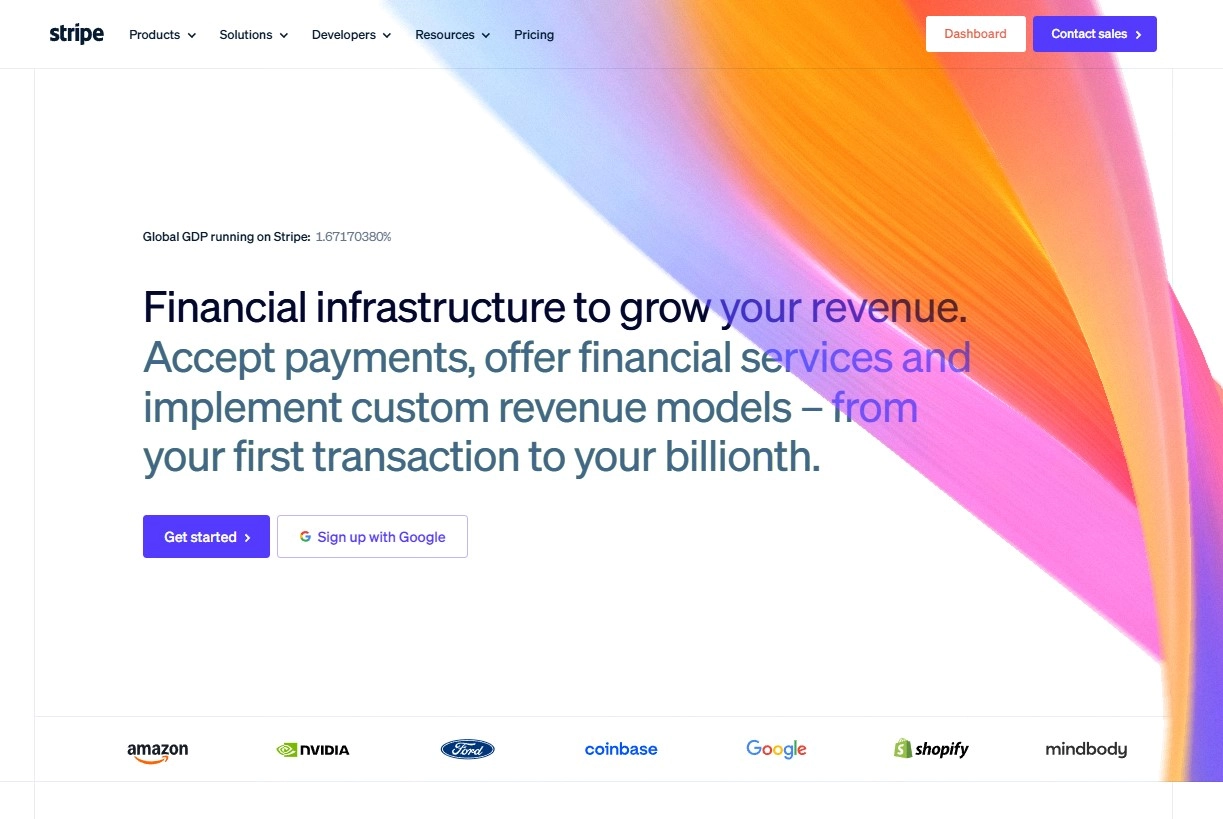
What Carrd does well is acting as a focused landing page that drives toward a specific action, and for a single payment or offer, that's actually a powerful setup. The most reliable approach is using Stripe Payment Links. You create the link directly inside Stripe (no code required), then connect it to a button on your Carrd page. The customer clicks, pays, and you get notified. It's clean, fast, and trusted. For digital products or service deposits, this flow works surprisingly well.
Gumroad is another strong option, especially if you're selling a digital product like a template, a PDF guide, or access to something downloadable. You can embed a Gumroad product widget directly on the page, and the checkout experience feels native enough that most visitors don't feel like they've been sent somewhere else.
PayPal button embeds work too, and for certain international markets where PayPal has high user trust, they might actually convert better than Stripe. Worth considering if your audience leans that direction.
The structural limit here is worth naming plainly: Carrd works for one offer, one button scenarios. If your business model requires selling multiple products from the same page with a cart, managing recurring subscriptions with custom logic, or handling complex purchase flows, you've moved past what Carrd was designed for. That's not a criticism; it's just an honest boundary. For early-stage projects, a single strong offer with a clean payment link is often more effective anyway.
Bookings: Honestly, This Works Really Well
Booking integrations are where Carrd performs better than most people expect, simply because the major scheduling tools were built to live inside other platforms.
Calendly embeds cleanly. You grab the inline embed code from your Calendly account, paste it into a Carrd embed element, and your booking calendar sits right on the page. Visitors pick a time, enter their details, and get an automated confirmation, all without leaving your site. For coaches, consultants, photographers, or any service provider who runs on scheduled calls, this setup is genuinely professional and requires almost no maintenance once it's live.
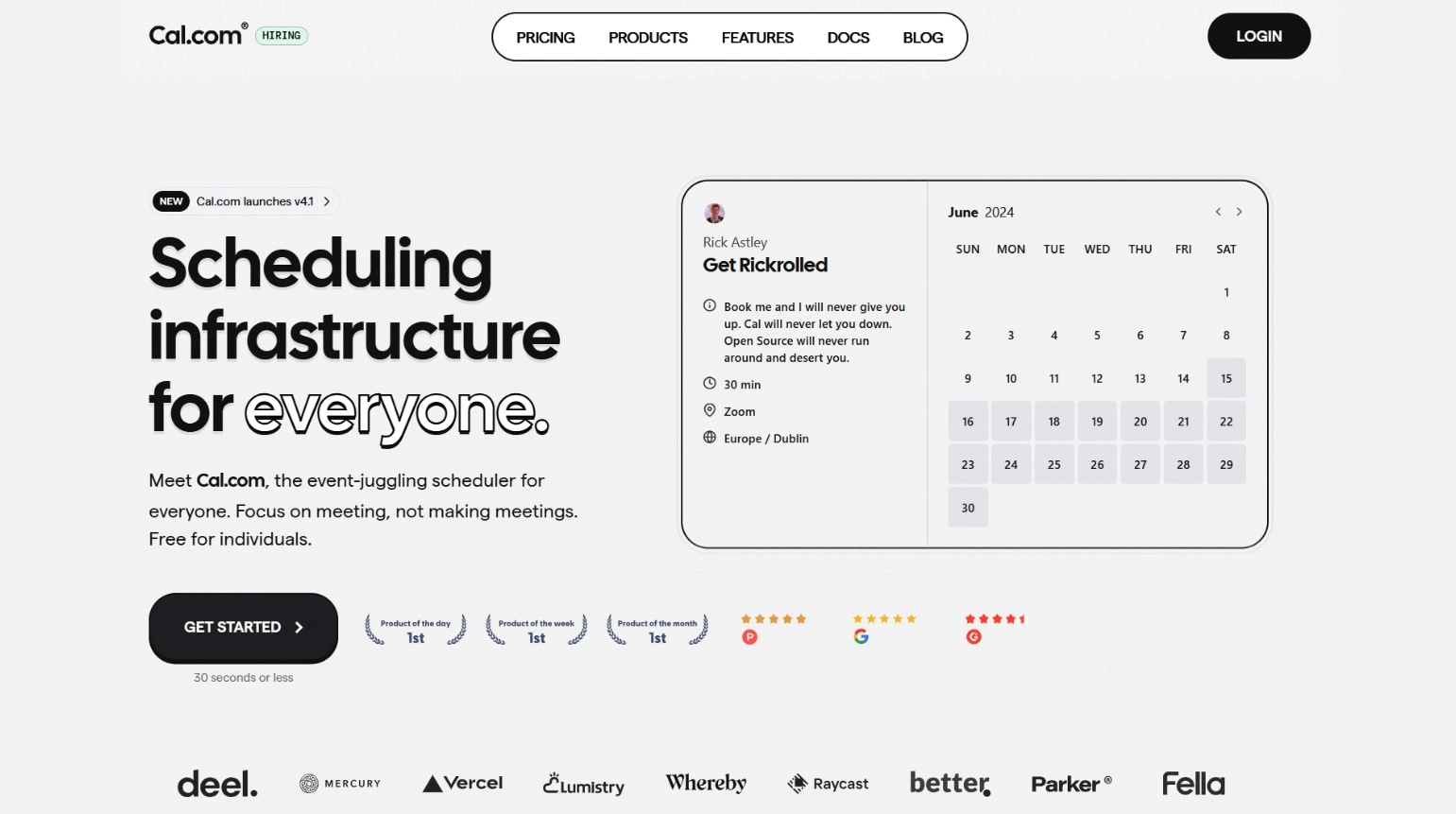
Cal.com is worth knowing about as the free, open-source alternative to Calendly. The feature set is comparable for basic scheduling, and the fact that it's free makes it the obvious starting point if you're in early stages and watching costs. Acuity Scheduling is another option, more powerful for complex booking scenarios (multiple staff, service types, intake forms before booking), and it embeds just as cleanly.
One practical note: Carrd's responsive behavior with embedded elements isn't always perfect on mobile. Specifically with calendar embeds, you may need to manually adjust the height of the embed container to prevent the calendar from being clipped or scrolling awkwardly on smaller screens. It's not a big fix, but test it on a real phone before you launch.
The Honest Pattern Across All Three
What you'll notice is that Carrd's native tools handle the simplest version of each use case, and for anything beyond that, it becomes a well-designed container for better-specialized third-party tools. That's actually a reasonable architecture. You're using Stripe for payments (not some locked-in Carrd processor), Calendly for bookings (with its own ecosystem and reliability), and Tally for forms (with its own data management). Each of those tools is best-in-class for what it does.
The tradeoff is that every integration is one more account to manage, one more free tier to watch, and one more thing to test when something changes. For a single focused page, that's a very manageable overhead. For a page that grows to require five or six embedded tools simultaneously, it might eventually signal that you've pushed Carrd to its edges.
But that's a bridge most people don't reach for a long time. For the majority of solo operators and early-stage projects, this combination covers everything needed to run professionally: native or Tally form, Stripe link or Gumroad, Calendly or Cal.com.
If you want to see how these integrations fit into a real page structure, take a look at the templates at onepagetips.com/#templates. Several of them are built with exactly this kind of setup in mind.